
Sign up and account setup guide
The Place offers a straightforward sign-up process by enabling users to connect either their existing Google Account or Microsoft Account. The following guide will walk you through the steps to get started.
Google Account
The Google account signup process caters to both individuals using Gmail and Google Workspace users, including those on custom domains.
To begin, please click the 'Connect with Google' button.

Follow the steps to select your user account, input your authentication details, and then, when prompted, authorize the required permissions for The Place.
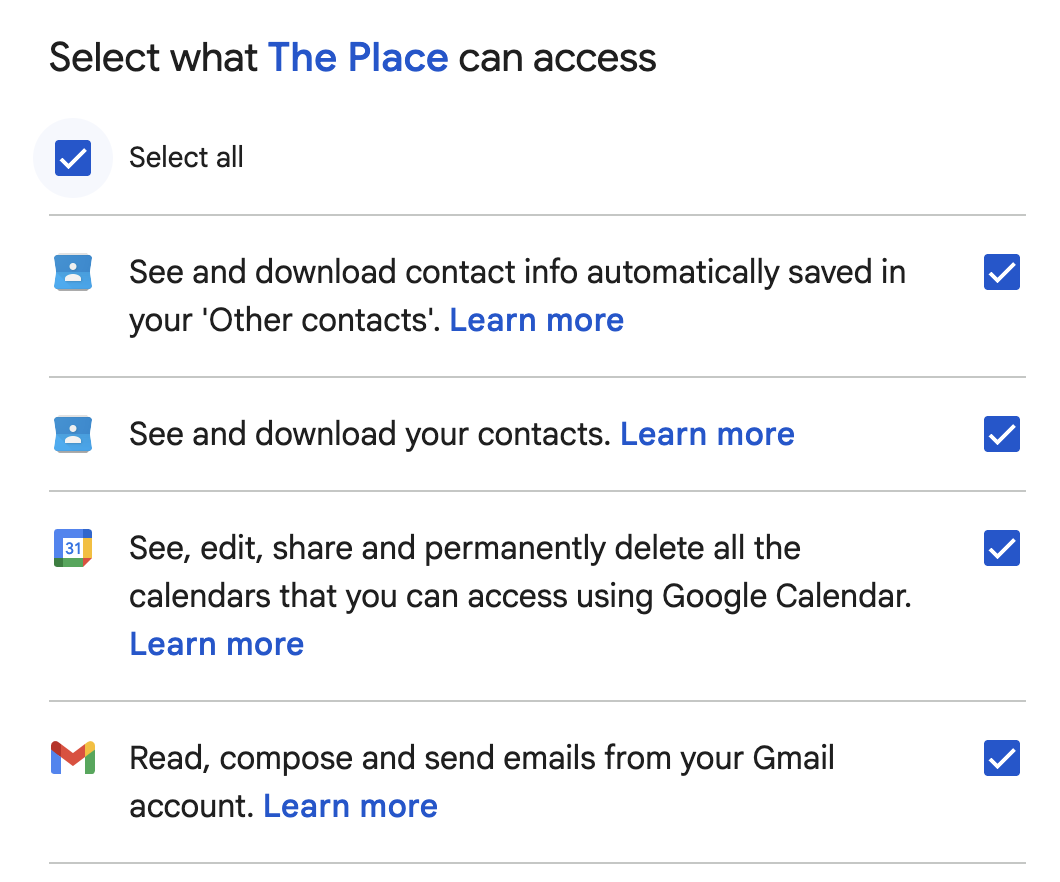
It is essential to grant The Place access to your email, calendar, and contacts in order to provide you with the optimal experience, integrating your email inbox, calendar, and contacts. Please select "Select All" on the Google permissions page to authorize all required permissions.
Microsoft Account
Microsoft users are able to sign up using either personal Outlook accounts or enterprise Microsoft 365 accounts.
Get started by clicking the 'Connect with Microsoft' Button.
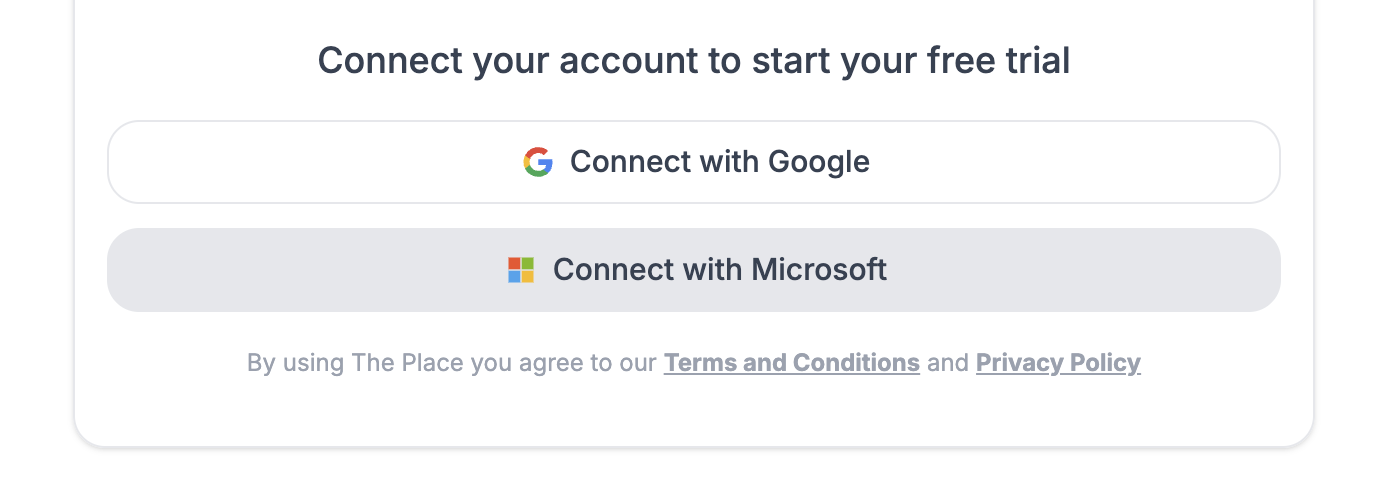
When prompted select, and authenticate your user. Then click 'Accept' on the Microsoft permissions page to grant the required permissions to connect your email, calendar and contacts to The Place.
Microsoft Enterprise 365 Permissions
For certain customers with Microsoft Enterprise accounts, an organization administrator may be required to provide consent for the use of The Place.
If the consent granting process fails, please follow the below configuration settings to ensure that The Place users are able to sign up using their MS accounts.
Please verify the following settings:
- Within your organisation's Microsoft AD settings, ensure that The Place application consent settings are set to Microsoft Recommended.

- In the Enterprise application settings for The Place ensure that:
- Enable for users to sign-in is set to Yes
- Assignment required is set to No
